Deploying Globaleaks on Kubernetes Using Helm with Traefik Ingress Controller
- Kubernetes
- Helm
- Traefik
- DevOps
Introduction
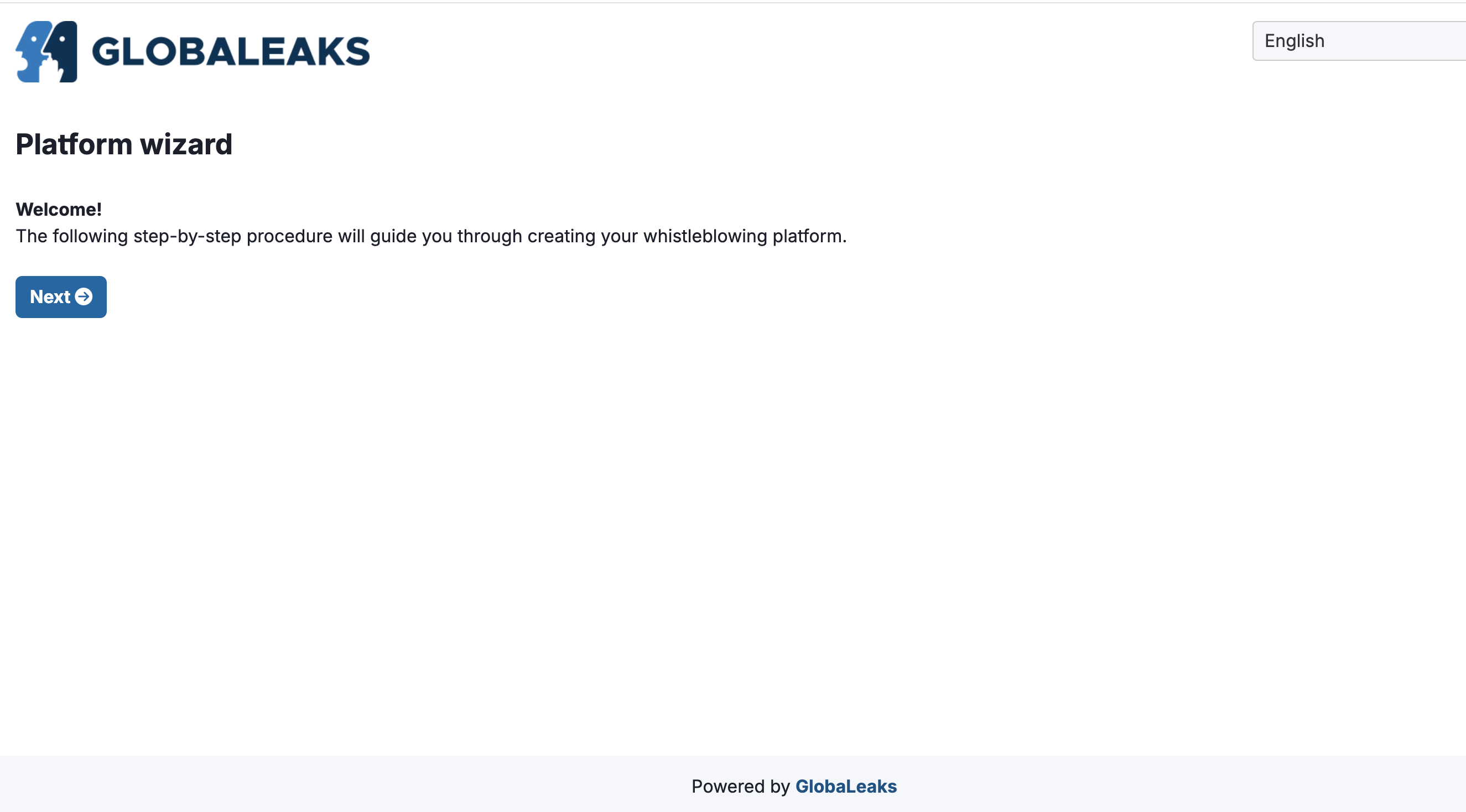
Managing applications on Kubernetes becomes far more streamlined through Helm charts, which enable reproducible deployments. This guide deploys Globaleaks—an open-source whistleblowing system—on a local Kubernetes cluster (k3s / Rancher Desktop) using Helm and Traefik ingress, covering port accessibility and platform-specific notes for Windows and macOS.
Prerequisites
- A local Kubernetes cluster (k3s or Rancher Desktop)
- Helm and kubectl configured
- Traefik ingress controller (default in k3s)
- Docker installed
- Administrator access for firewall ports
Setting up the Helm chart
helm create globaleaks
Then replace globaleaks/values.yaml:
replicaCount: 1
image:
  repository: ristabel/globaleaks
  tag: v1.0
  pullPolicy: IfNotPresent
service:
  type: ClusterIP
  ports:
  - port: 80
    targetPort: 8080
    name: http
  - port: 443
    targetPort: 8443
    name: https
pvc:
  storage: 100Mi
Ingress with Traefik
Define an IngressRoute and ServersTransport (with insecureSkipVerify: true), plus a cert-manager Certificate and self-signed Issuer. cert-manager must be installed first.
Correct platform image
Build for your architecture to avoid "exec format error":
docker buildx build --platform linux/amd64 -t ristabel/globaleaks:v1.0 .
Opening required ports
On Windows (PowerShell as admin):
New-NetFirewallRule -DisplayName "Allow Port 8080" -Direction Inbound -Protocol TCP -LocalPort 8080 -Action Allow
New-NetFirewallRule -DisplayName "Allow Port 8443" -Direction Inbound -Protocol TCP -LocalPort 8443 -Action Allow
Deploy
helm install globaleaks ./globaleaks
Conclusion
This deploys Globaleaks locally with Helm and Traefik, ensuring port accessibility and architecture compatibility—a foundation for customization and scaling. Common issues: image-architecture mismatch, occupied ports, Traefik routing, and cert-manager configuration.