Building a Python Web Server and Deploying It Using Docker, GitHub Actions, Helm, and Kubernetes
- Docker
- GitHub Actions
- Helm
- Kubernetes
Introduction
This walks through developing, containerizing, and deploying a Python web server on Kubernetes. The pipeline: write server code, containerize with Docker, use GitHub Actions to push images to Docker Hub, and deploy via Helm.
1. A simple Python web server
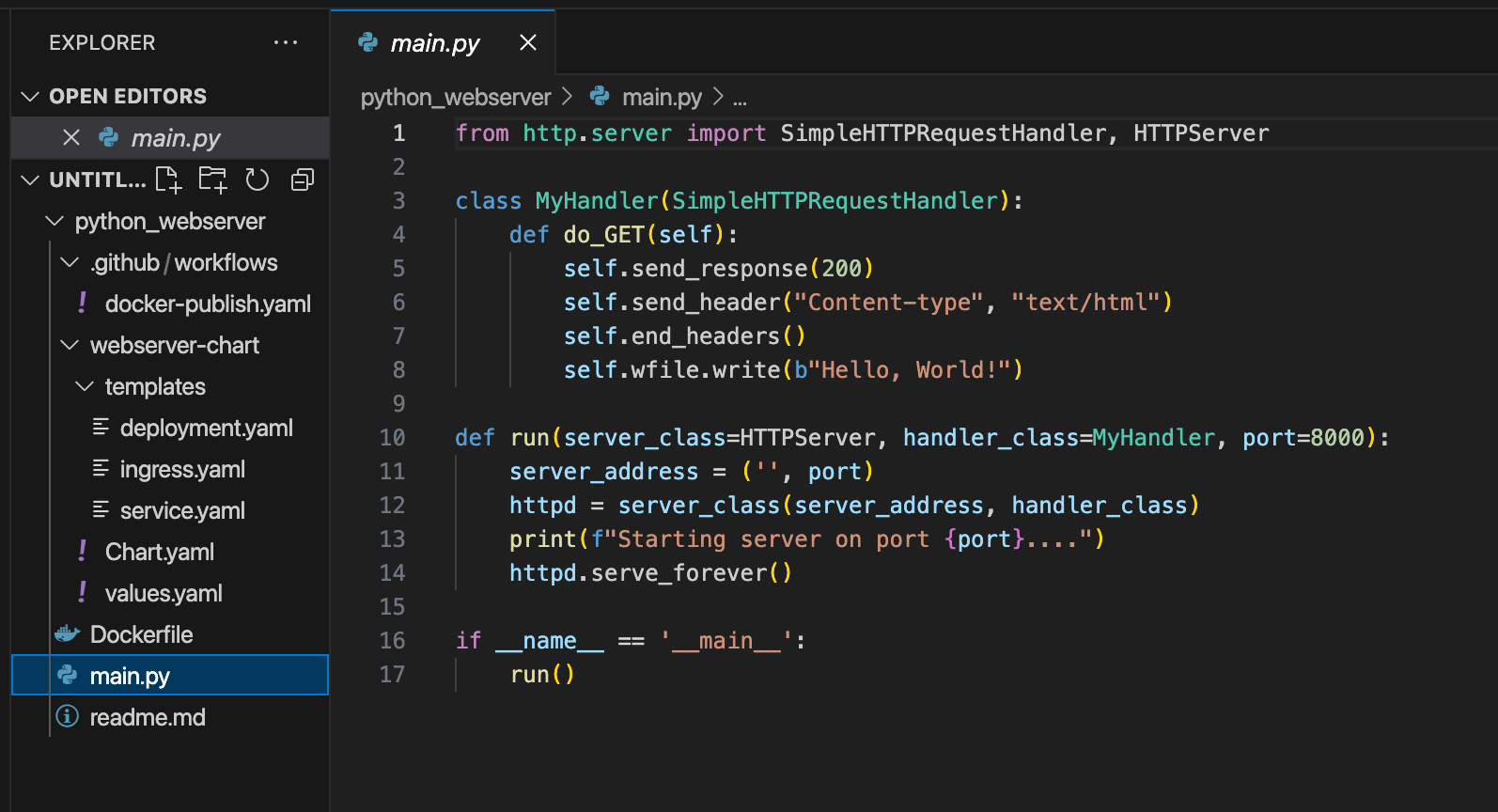
from http.server import SimpleHTTPRequestHandler, HTTPServer

class MyHandler(SimpleHTTPRequestHandler):
    def do_GET(self):
        self.send_response(200)
        self.send_header("Content-type", "text/html")
        self.end_headers()
        self.wfile.write(b"Hello, World!")

def run(server_class=HTTPServer, handler_class=MyHandler, port=8000):
    httpd = server_class(('', port), handler_class)
    print(f"Starting server on port {port}...")
    httpd.serve_forever()

if __name__ == '__main__':
    run()
2. Containerize with Docker
FROM python:3.11-slim
WORKDIR /app
COPY . /app
EXPOSE 8000
CMD ["python", "main.py"]
3. CI with GitHub Actions
name: Docker Image CI
on:
  push:
    branches: [ main ]
jobs:
  build-and-push:
    runs-on: ubuntu-latest
    steps:
      - uses: actions/checkout@v3
      - uses: docker/setup-buildx-action@v2
      - uses: docker/login-action@v2
        with:
          username: ${{ secrets.DOCKER_USERNAME }}
          password: ${{ secrets.DOCKER_PASSWORD }}
      - uses: docker/build-push-action@v5
        with:
          context: .
          push: true
          tags: ${{ secrets.DOCKER_USERNAME }}/pythonserver:v1
          platforms: linux/amd64,linux/arm64
4. Package with Helm & deploy
Create a chart with deployment.yaml, service.yaml, and ingress.yaml, then:
helm repo add ingress-nginx https://kubernetes.github.io/ingress-nginx
helm install nginx ingress-nginx/ingress-nginx
helm install webserver ./webserver-chart
kubectl get all
Conclusion
A complete DevOps workflow from Python server to Kubernetes deployment—Docker, GitHub Actions, Helm, and Kubernetes automate and streamline application delivery.